
Consumer routers are designed to be cheap and easy to sell. They're not designed to actually handle your whole home or business reliably for years. If you've landed on UniFi, you've already made the right decision. Now let's get it set up correctly.
The short answer: you need a Cloud Gateway, a PoE switch, and at least one access point, connected with Cat6 cable, then adopted through the UniFi Network app. A basic single-AP setup takes 30–60 minutes.
What Hardware Do You Actually Need?
Three layers. Every UniFi network needs all three:
- Layer 1 — Cloud Gateway: Your router, firewall, and controller in one box. Sits between your NBN modem and your network. The Cloud Gateway Max is the most popular choice for Australian homes and small offices — no separate server required.
- Layer 2 — PoE Switch: Powers your access points over the ethernet cable. The USW-Lite-8-PoE handles 1–4 APs comfortably for most homes and small offices.
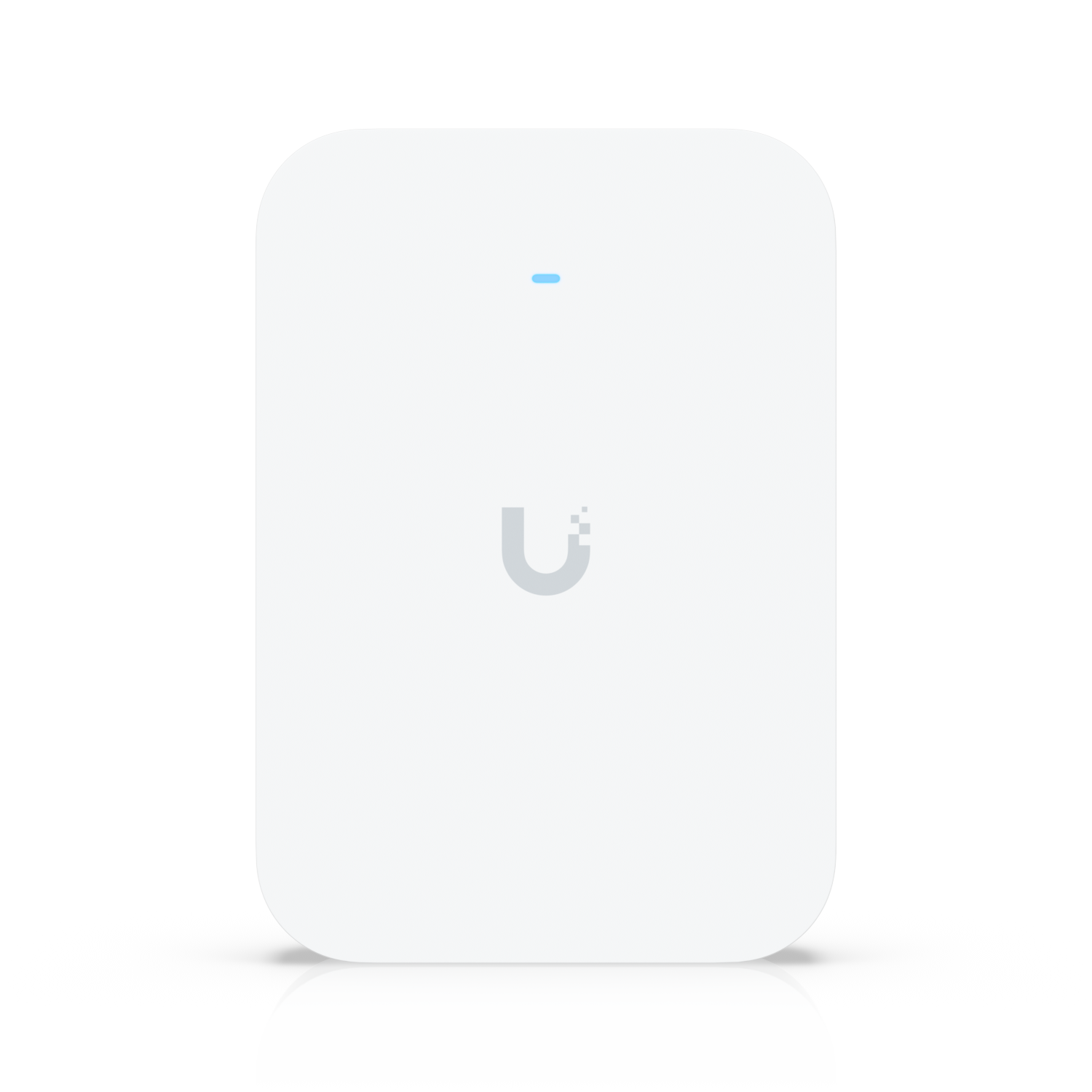
- Layer 3 — Access Points: One or more U7 Pro APs, ceiling or wall mounted, cabled back to the switch. For most Australian homes, start with one.
ASECT stocks all three layers. Not sure what to order for your specific layout? Contact us first — free advice, no obligation.
Setting Up Your UniFi Network — Step by Step
Step 1 — Plan Before You Buy
Sketch your floor plan and mark where you need WiFi coverage. Identify your cable routes — for Australian homes, cables most commonly run through roof cavities. Mark where your NBN equipment is (your Cloud Gateway lives here) and where each AP will be ceiling-mounted.
One U7 Pro covers about 140 m² in open plan. A typical single-storey Australian home works with one AP. Double-storey needs one per floor. For new builds, always rough-in cable runs to at least two ceiling locations even if you start with one AP.
Step 2 — Connect Your Cloud Gateway
Connect the WAN port of the Cloud Gateway to a LAN port on your NBN modem using Cat6. Connect a LAN port on the Cloud Gateway to Port 1 of your PoE switch. Power on and wait for the LED to show solid white — about 60–90 seconds.
Australian NBN heads-up: Most NBN connections use DHCP and work automatically. Some providers require PPPoE authentication. If your internet doesn't come up after connecting, check with your ISP whether PPPoE credentials are needed and enter them in the Cloud Gateway WAN settings.
Step 3 — Connect Your PoE Switch

Connect the switch to the Cloud Gateway via the uplink port. Power on. The switch will be detected automatically by the controller — no separate configuration needed at this stage.
Step 4 — Run Your Ethernet Cable
- Use Cat6 for all new runs — it supports the 2.5 GbE speeds UniFi WiFi 7 APs can use
- Double-brick walls are common in older Australian homes — route cables through roof cavities
- Licensed cabling — in Australia, fixed data cabling requires an ACMA-registered cabler. Budget for a professional cable run if you're not comfortable in the roof.
- Maximum run length is 100m per ethernet cable from switch to AP
Step 5 — Mount and Power Your Access Points
Connect the Cat6 cable to the AP and mount to the ceiling using the included bracket. The AP powers on automatically once the PoE switch detects it — no separate power adapter needed.
Step 6 — Adopt Everything in the UniFi Network App
- Download the UniFi Network app on iOS or Android (or use the web interface)
- All connected UniFi devices appear as "Pending Adoption" — tap Adopt for each
- Wait for each device to adopt and update firmware (3–5 minutes per device)
- Go to Settings → WiFi → Create New WiFi Network, set your SSID and password
Step 7 — Test Coverage and Optimise
Walk the space with your phone and check signal strength. Run a speed test at speedtest.net to confirm internet performance. If speeds are lower than your NBN plan, check you're not double-NATting behind your NBN modem — the Cloud Gateway should be the only device doing routing.
Shop the Complete UniFi Starter Setup at ASECT
Frequently Asked Questions
Do I need a separate controller server to run UniFi in Australia?
No — if you use a UniFi Cloud Gateway. The controller is built in, no separate hardware or subscription needed. If you use a third-party router, you'll need a Cloud Key or self-hosted controller. For most Australian setups, a Cloud Gateway is the cleanest and simplest solution.
Does UniFi work with Australian NBN?
Yes. UniFi Cloud Gateways work with all NBN connection types — FTTP, FTTN, FTTC, HFC, and Fixed Wireless. Most connections use DHCP and require no extra configuration. Some ISPs require PPPoE authentication, set in the Cloud Gateway WAN settings.
What cable do I need for UniFi in Australia?
Cat6 for all new installations. It supports 2.5 GbE speeds required by WiFi 7 access points and is more future-proof than Cat5e. Maximum 100m run from switch to AP. In-wall or in-ceiling cabling in Australian homes and businesses requires a licensed ACMA-registered cabler.
How many access points does my Australian home need?
Most single-storey Australian homes up to 200 m² need just one U7 Pro, centrally ceiling-mounted. Double-storey homes need one per floor. Not sure? Contact ASECT for free network design advice — we'll give you a straight answer based on your actual floor plan.