
Australian Businesses Are Already on WiFi 7. Is Your Network Keeping Up?
WiFi 7 isn't coming — it's here, and the gap between a properly connected business and everyone else is widening fast. Whether you're fitting out a new office, upgrading a tired home network, or rolling out across multiple sites, the UniFi U7 range is what serious Australian networks are running in 2026.
The good news? You don't need to overspend to get there. For most Australian homes and small offices, the U7 Pro at $422 AUD does everything you'll ever need. This guide covers the full U7 lineup — real specs, honest comparisons, and a clear recommendation for every situation.

Why UniFi Is Still the Go-To Choice for Australian Networks in 2026
There's a reason IT managers, MSPs, and serious home users keep coming back to UniFi. It's not the cheapest option — but it's the one that works the way you want it to, without Cisco Meraki's licensing bills or TP-Link Omada's ecosystem limitations.
The whole UniFi platform runs from one dashboard. WiFi, switches, cameras, door access — all the same app, all the same login. For Australian businesses managing multiple sites or MSPs looking after client networks, that simplicity is genuinely valuable.
And with the full U7 range now on WiFi 7 — multi-link operation (MLO), 6 GHz support, 2.5 GbE uplinks — you're not buying for today. You're covered for the next 5–7 years without another hardware refresh.
Every UniFi WiFi 7 Access Point — Side by Side
Here's the full U7 lineup using official specifications. All models are in stock at ASECT with Australian warranty.
| Model | WiFi Standard | Spatial Streams | Coverage | Max Clients | Uplink | Power |
|---|---|---|---|---|---|---|
| U7 Pro | WiFi 7 | 6 | 140 m² | 300+ | 2.5 GbE | PoE+ (21W) |
| U7 Pro Max | WiFi 7 | 8 | 160 m² | 500+ | 2.5 GbE | PoE+ (25W) |
| U7 LR | WiFi 7 | 6 | 300 m² | 300+ | 2.5 GbE | PoE+ (21W) |
| U7 Pro Wall | WiFi 7 | 6 | 140 m² | 300+ | 2.5 GbE | PoE+ (22W) |
| U7 Pro XG | WiFi 7 | 6 | 140 m² | 300+ | 10 GbE | PoE+ (22W) |
| U7 Pro XGS | WiFi 7 | 8 | 160 m² | 500+ | 10 GbE | PoE++ (29W) |
Which Model is Right for Your Situation?
The U7 Pro — The Right Call for Most Australians
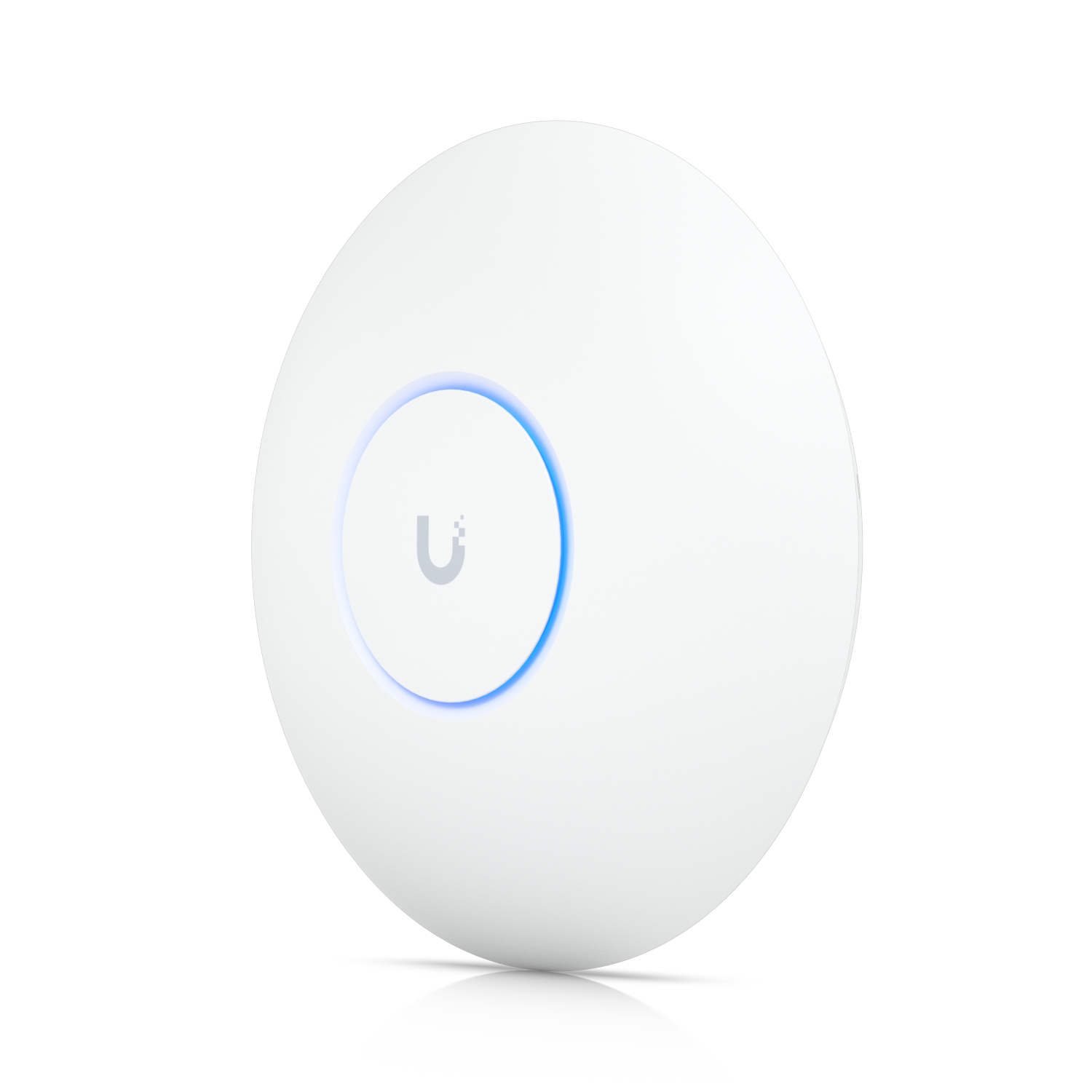
Six spatial streams, tri-band (2.4 / 5 / 6 GHz), 2.5 GbE uplink, 140 m² coverage, 300+ clients. Power draw is 21W via PoE+. For a typical Australian home — 3 bedrooms, a home office, 20–30 connected devices — one U7 Pro ceiling-mounted centrally handles everything without breaking a sweat.
For small offices up to 20 people, one or two U7 Pros depending on your layout. If you're on a single floor with no major obstacles, start with one and add a second only if you need it.
Official max data rates:
- 6 GHz: 5.8 Gbps (BW320) — currently uncrowded in most Australian suburbs
- 5 GHz: 4.3 Gbps (BW240)
- 2.4 GHz: 688 Mbps (BW40)
Buy the U7 Pro at ASECT — $422 AUD →
The U7 Pro Max — When Density is the Real Problem

The Pro Max is built for environments where a lot of devices are hammering the WiFi simultaneously — open-plan offices with 30+ staff, co-working spaces, hotels with guests all streaming at once. It steps up to 8 spatial streams and 4x4 MU-MIMO on the 5 GHz band, pushing 8.6 Gbps versus the standard Pro's 4.3 Gbps on that band.
Key specs for high-density:
- 5 GHz: 8.6 Gbps (4x4 MU-MIMO — twice the streams of the standard U7 Pro)
- 6 GHz: 5.8 Gbps (BW320)
- Max clients: 500+
- Coverage: 160 m²
Buy the U7 Pro Max at ASECT — $614 AUD →
The U7 LR — Built for Range, Not Density

The LR (Long Range) is for warehouses, large retail floors, and open spaces where you need maximum coverage from fewer access points. Higher antenna gain pushes signal further before it degrades — same 6-stream WiFi 7 internals as the Pro, just optimised for distance over density.
The U7 Pro Wall — For Hotels, Apartments, and In-Wall Installs
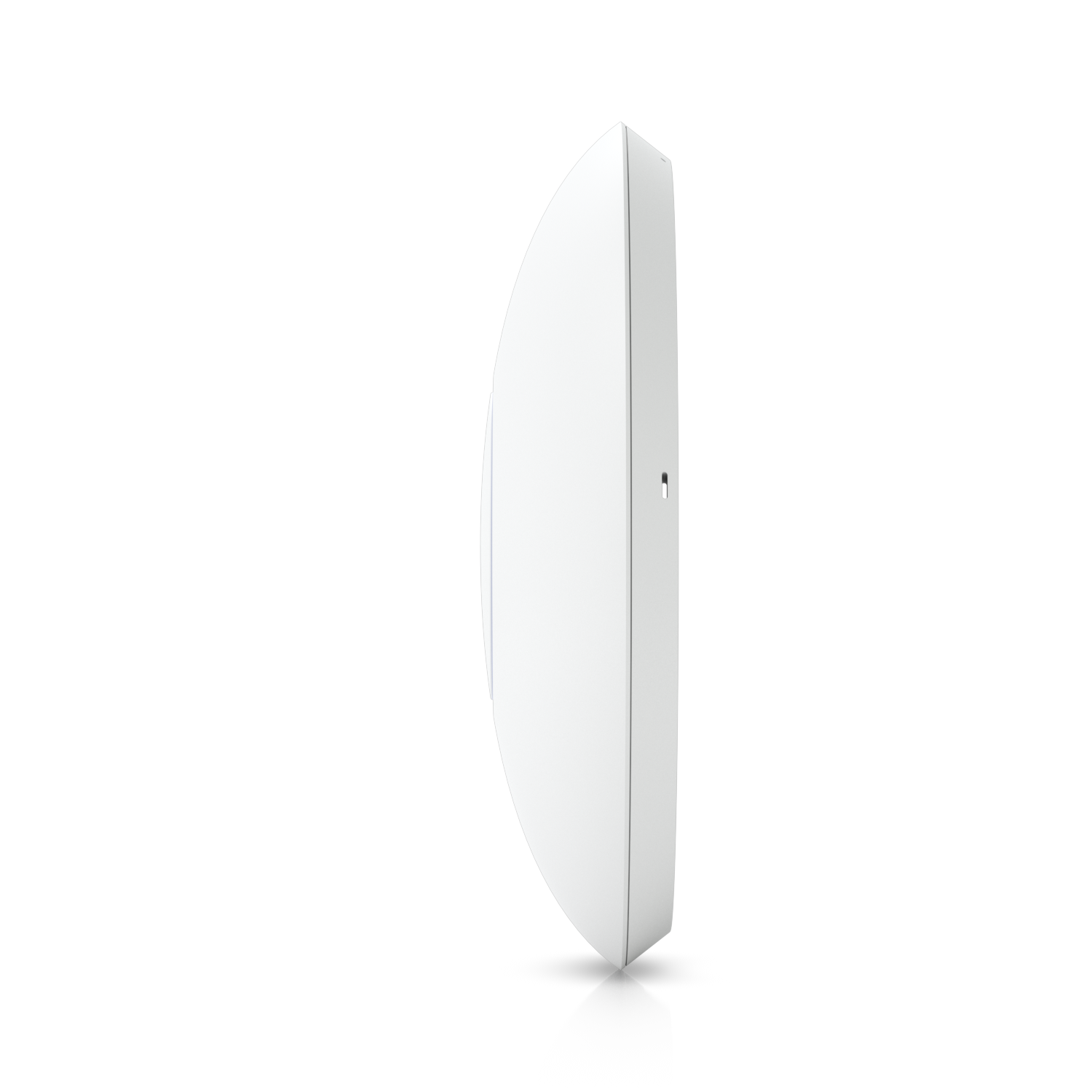
Same WiFi 7 internals as the standard U7 Pro in a compact wall-mount form factor — 150 x 103 x 36mm. Designed for hotel rooms, apartment buildings, hospital wards, and any location where ceiling mounting isn't practical. Same 140 m² coverage, 300+ clients, 2.5 GbE uplink.
The U7 Pro XG and XGS — For 10 GbE Backbone Networks
Identical WiFi radios to the U7 Pro and U7 Pro Max respectively, but the uplink steps up to 10 GbE. If you're running a 10G switching backbone and don't want any uplink bottleneck at the AP, these are the ones. The XGS also bumps to PoE++ (29W). For most Australian installs, the standard 2.5 GbE models are more than sufficient.
How Many Access Points Does Your Space Actually Need?
- Single-storey home (up to 200 m²): 1 x U7 Pro, centrally ceiling-mounted
- Double-storey home: 1 per floor, or try the U7 LR first
- Small office (up to 20 staff): 1–2 x U7 Pro depending on layout
- Medium office (20–50 staff, open plan): 2–3 x U7 Pro, or 2 x U7 Pro Max
- Warehouse / large retail: 2–4 x U7 LR depending on dimensions
Important for Australian buildings: Double-brick construction — common in older Australian homes and commercial buildings — significantly reduces WiFi range. Plan for one more AP than you think you need, and always run cable during a fit-out rather than adding it later.
What Else Do You Need to Get Started?
Every UniFi AP needs three things to run:
- A UniFi Cloud Gateway — handles your router, firewall, and controller all in one box. No separate server needed.
- A UniFi PoE Switch — powers your APs over the ethernet cable. The USW-Lite-8-PoE covers most homes and small offices.
- Cat6 ethernet cable — run from your switch to each AP location. Max 100m per run.
Not sure what to order? Contact ASECT before you buy — we do free network design advice for every enquiry.

Buy Genuine UniFi Access Points in Australia — In Stock at ASECT
ASECT stocks the full UniFi U7 range. All genuine Australian-stock hardware with Australian warranty, GST-inclusive pricing, and same-day dispatch for orders before 2pm AEST. Shipped to every state and territory.
Frequently Asked Questions
What is the best UniFi access point for a small Australian office?
The U7 Pro is the right call for most small Australian offices. It covers 140 m², handles 300+ concurrent clients, and delivers full WiFi 7 performance with a 2.5 GbE uplink for around $422 AUD. Only step up to the U7 Pro Max if you have genuinely high-density requirements — 30+ simultaneous heavy users in an open-plan environment.
Do UniFi access points require a subscription in Australia?
No. UniFi APs require no subscription to operate. The controller software is free and runs locally on a Cloud Gateway — no monthly fees, no licensing costs. You buy the hardware once and it's yours.
How much does a UniFi WiFi 7 access point cost in Australia?
UniFi WiFi 7 access points start at around $365 AUD for the U7 LR and go up to $614 AUD for the U7 Pro Max at ASECT.com.au. All prices are GST-inclusive with Australian warranty. Standard and express shipping available Australia-wide.
Is WiFi 7 worth upgrading to in Australia in 2026?
Yes — particularly if you have 10+ connected devices, run a home office, or manage a busy business network. WiFi 7 won't make your NBN plan faster, but multi-link operation (MLO) significantly reduces congestion and interference. The 6 GHz band is also essentially empty in most Australian suburbs right now, giving you clean fast connections with zero competition from neighbours.
Can I use a UniFi access point with my existing router in Australia?
Yes, with a bit of setup. UniFi APs work with a third-party router, but you'll need to run the UniFi Network controller separately on a Cloud Key or Cloud Gateway. The cleanest solution is a UniFi Cloud Gateway — it handles routing, firewall, and controller in one box, and everything just works together.